
Everybody has heard of AI, but nobody really explains where to start. The app closes exactly that gap: short lessons take a person from “never tried it” to practice that makes sense — where to get Claude, how to pay for it, what to write in your first request, how to work with documents and emails. You can read anywhere: all the lessons live inside the app and need no internet — a connection is only required for the Claude chat.
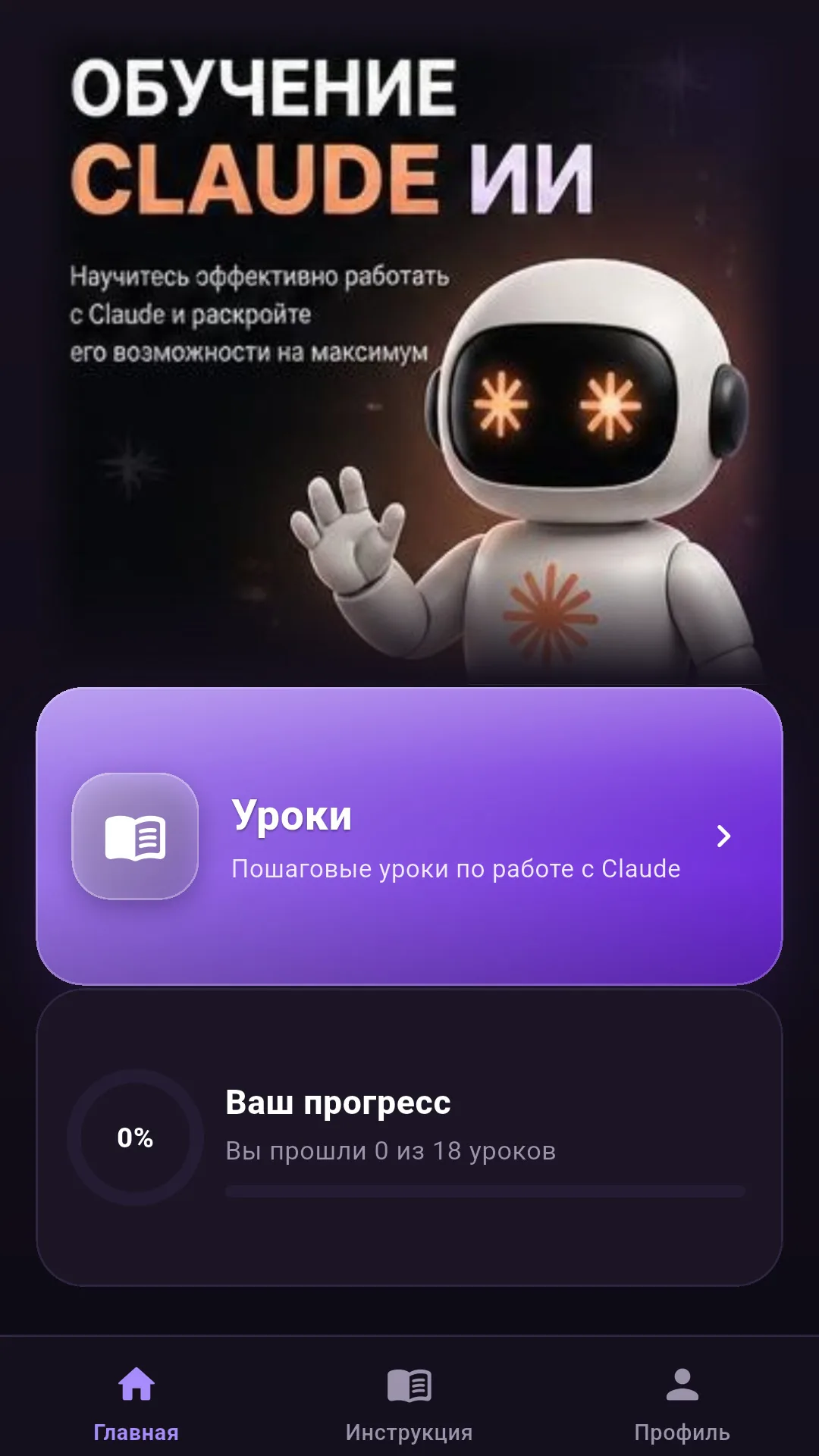
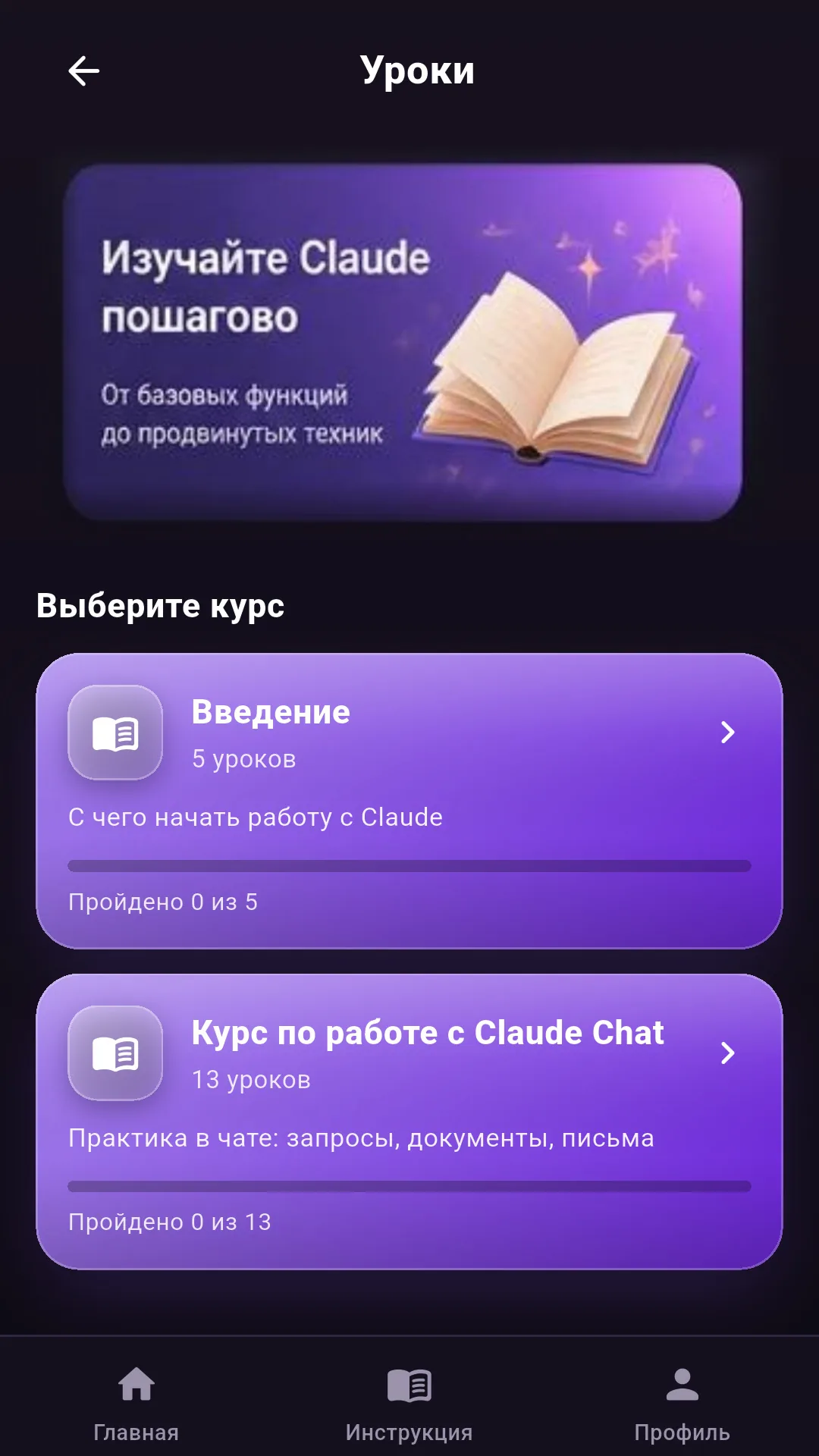
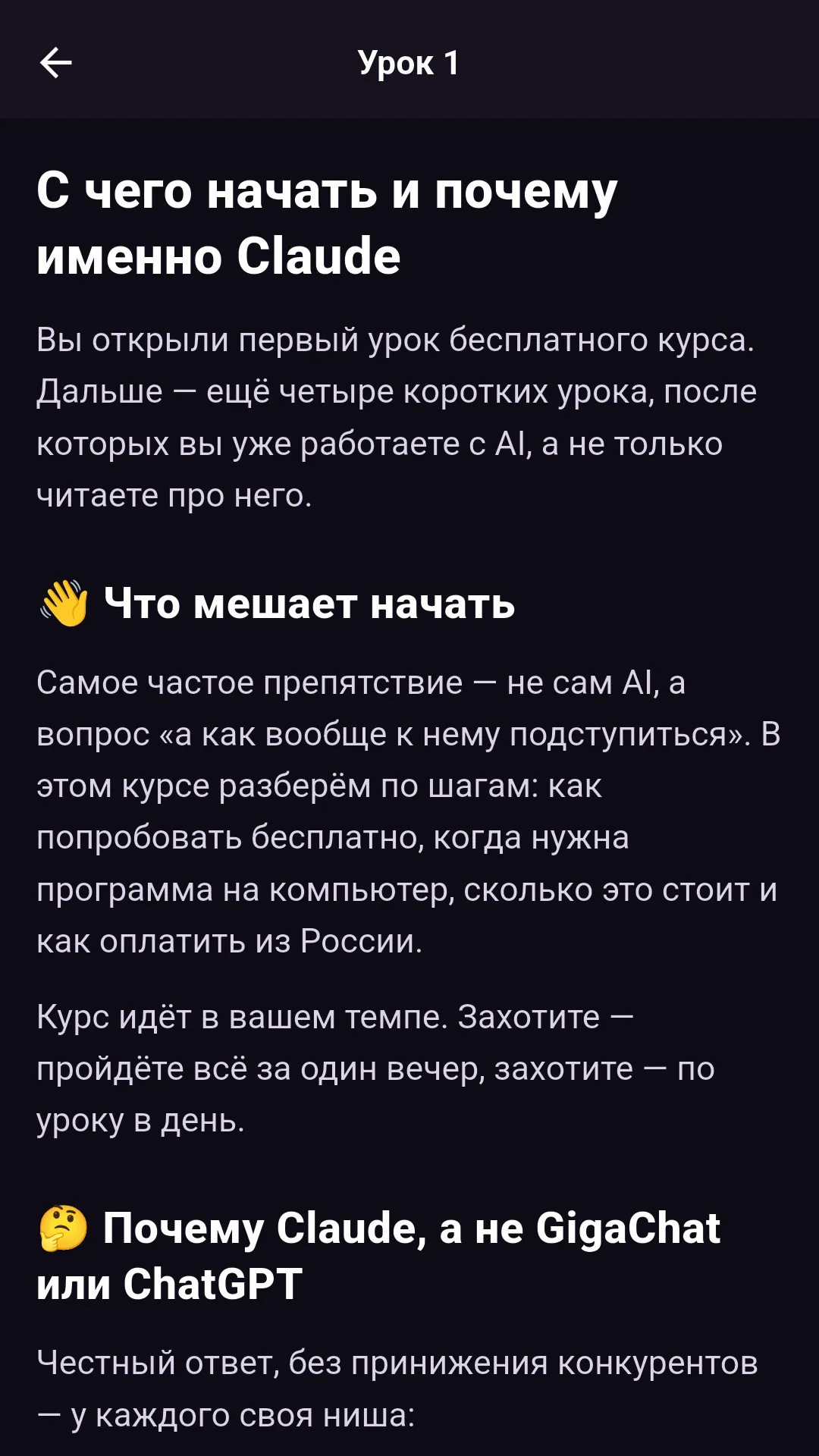
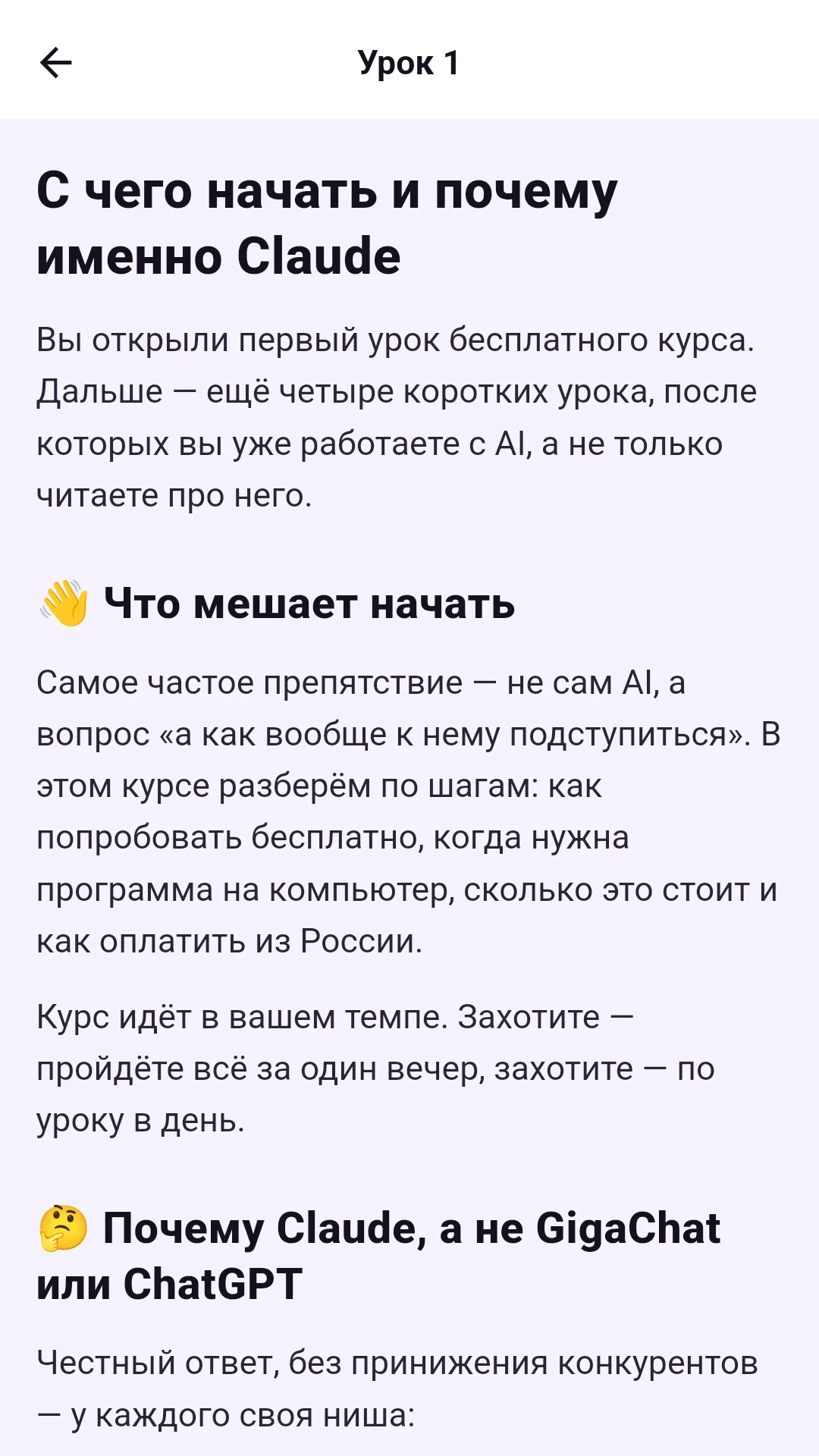
The screenshots are taken from a working build on a device, not drawn in a mock-up. The last two show the same lesson in the dark and light themes.
The full version — four courses and the Claude chat
Full version 1.2.8 is available as a file from this page. Eighteen lessons are open free — the Introduction and Claude Chat courses in full, plus the “Claude is not working” section. RuStore currently carries the previous build; the update will appear there later.
💳 What costs what
Installation is free and 18 lessons are open without payment: the Introduction course (5 lessons) and the Claude Chat course (13 lessons) are available in full. The paid sections cost the following:
| What you are buying | What is included | Term | Price |
|---|---|---|---|
| Intermediate course | 20 lessons: working with documents, emails and spreadsheets | no expiry | 4 990 ₽ |
| Advanced course | 32 lessons: complex tasks, automation, working through mistakes | no expiry | 14 990 ₽ |
| Claude chat | questions right inside the app, up to 600 messages | 30 days | 1 990 ₽ |
Each item is bought separately, in a single payment. There is no auto-renewing subscription: no money is taken by itself, and when the 30 days end the chat simply offers to extend — the choice is yours. Beyond the 18 free lessons, everybody also gets the “Claude is not working” section; the lessons of the paid courses unlock after payment.
How payment works. You choose a course in the app and it opens a secure payment page — bank card or instant transfer. Card details never reach the app and are not stored by us. Access is enabled immediately after the payment is confirmed, with nothing to wait for; the receipt arrives by email, and the app asks for the address once, before the first payment. If you change phones, access is restored on the “My purchases” screen.
Refunds. If it is not right for you, write to newlife2506@yandex.ru from the address the receipt was sent to. We refund to the same card if you have completed no more than two lessons of the purchased course or used no more than 20 chat messages. We answer every message.
Seller: sole proprietor Mikhail Aleksandrovich Grigoriev, TIN 772601582696, state registration number 326774600507616. VAT is not charged: the special tax regime “Automated Simplified Taxation System” applies (Federal Law No. 17-FZ of 25 February 2022). The terms are in the public offer, and data is covered in the app privacy policy.
⚙️ How it is built
Flutter, a single codebase for Android. Lesson texts sit in the app's assets as Markdown and are drawn by our own lightweight renderer, so the lessons match the design without a heavy third-party library. Progress and the chosen theme are stored on the device itself.
Quality is held by tests: a suite of automated checks runs on every build — including text contrast in both themes and lesson font size, so that readability cannot be broken by accident with the next design tweak.
We build apps to order the same way — from the idea and the structure to a finished build and store publication: app development.
Need an app like this?
A training course, a catalogue, a service for your clients — when you decide to build your own app, write to us: we will talk it through in five minutes and say plainly what it costs and how long it takes.
Discuss your task →